

Visualizing My Ink Collection
I’ve been thinking about a better way to browse my ink collection than just scrolling through a long list of names. While the ink database can be searched by color and there are recommended similar inks on each ink page, I wanted a way of viewing the whole collection at once.
To solve this, I built an interactive Ink Color Wheel.
It maps my ever-growing collection of hundreds of different inks into a searchable, interactive space. You can toggle between plotting them by Hue and Saturation (the classic wheel view) or Hue and Lightness.
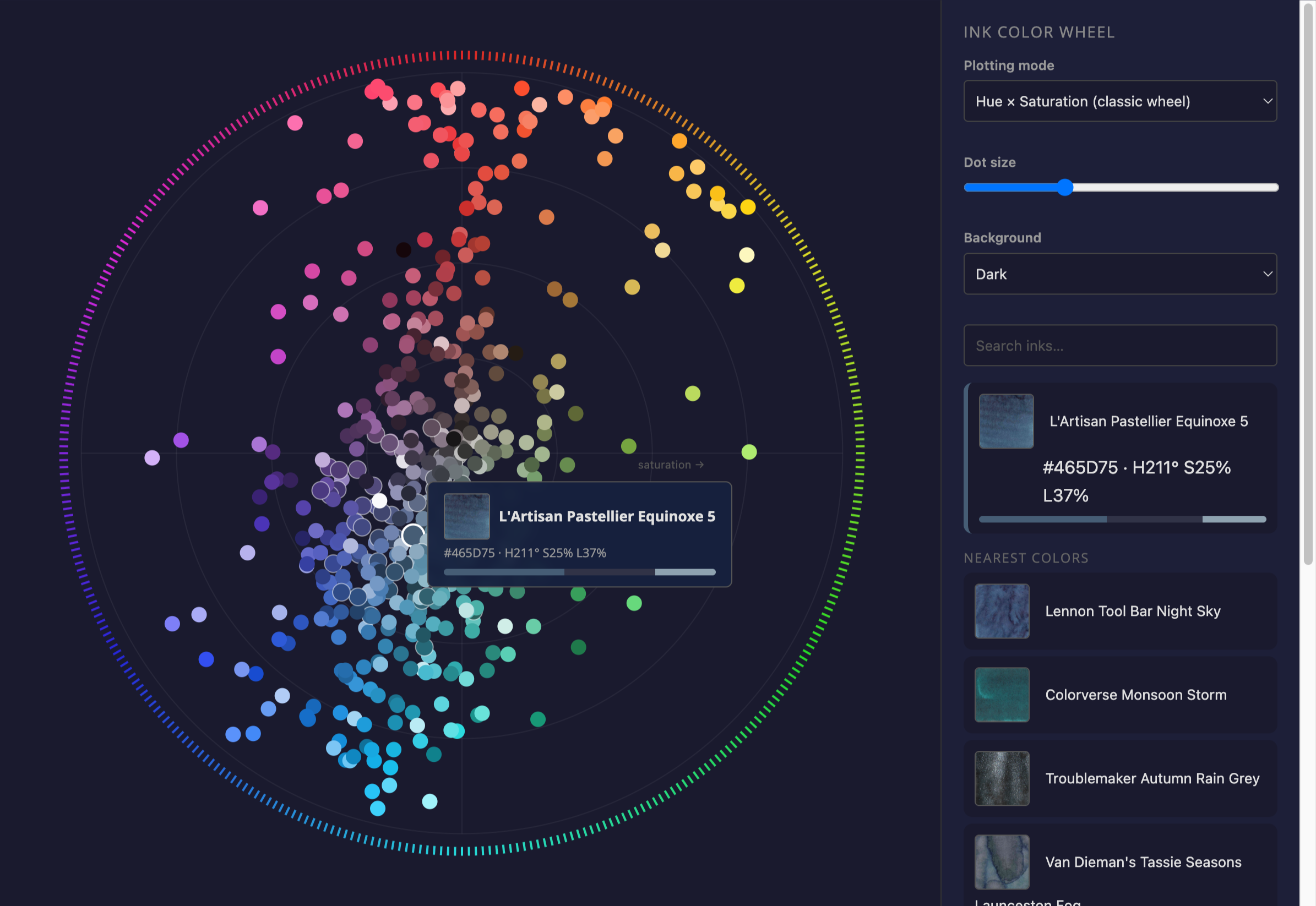
If you’re looking for a specific “vibe”—say, a very desaturated, moody teal or a high-chroma, punchy orange—it’s much easier to find by its position in color space.
How to use it:
- Hover over any dot to see the ink’s name and a quick color preview.
- Click a dot to “lock” it and highlight its nearest neighbors in the sidebar.
- Search by name or maker to highlight specific groups.
- Toggle the background between dark and light to see how the colors pop differently.
It’s been a fun way to rediscover some older bottles that had fallen out of rotation. If you’re an ink nerd like me, go have a play with it and let me know what you think.